A passport scan sent to the wrong email address, an expired bank statement, or a blurry photo can turn a planned trip into an urgent problem. A secure travel document submission process protects your personal information while giving your visa application the best chance of moving forward without avoidable delays. For travelers applying for Dubai visas or planning travel across the Gulf, South Asia, or other international destinations, the right process is not just about sending documents quickly. It is about sending the correct documents through a controlled, traceable channel.
Why secure document submission matters
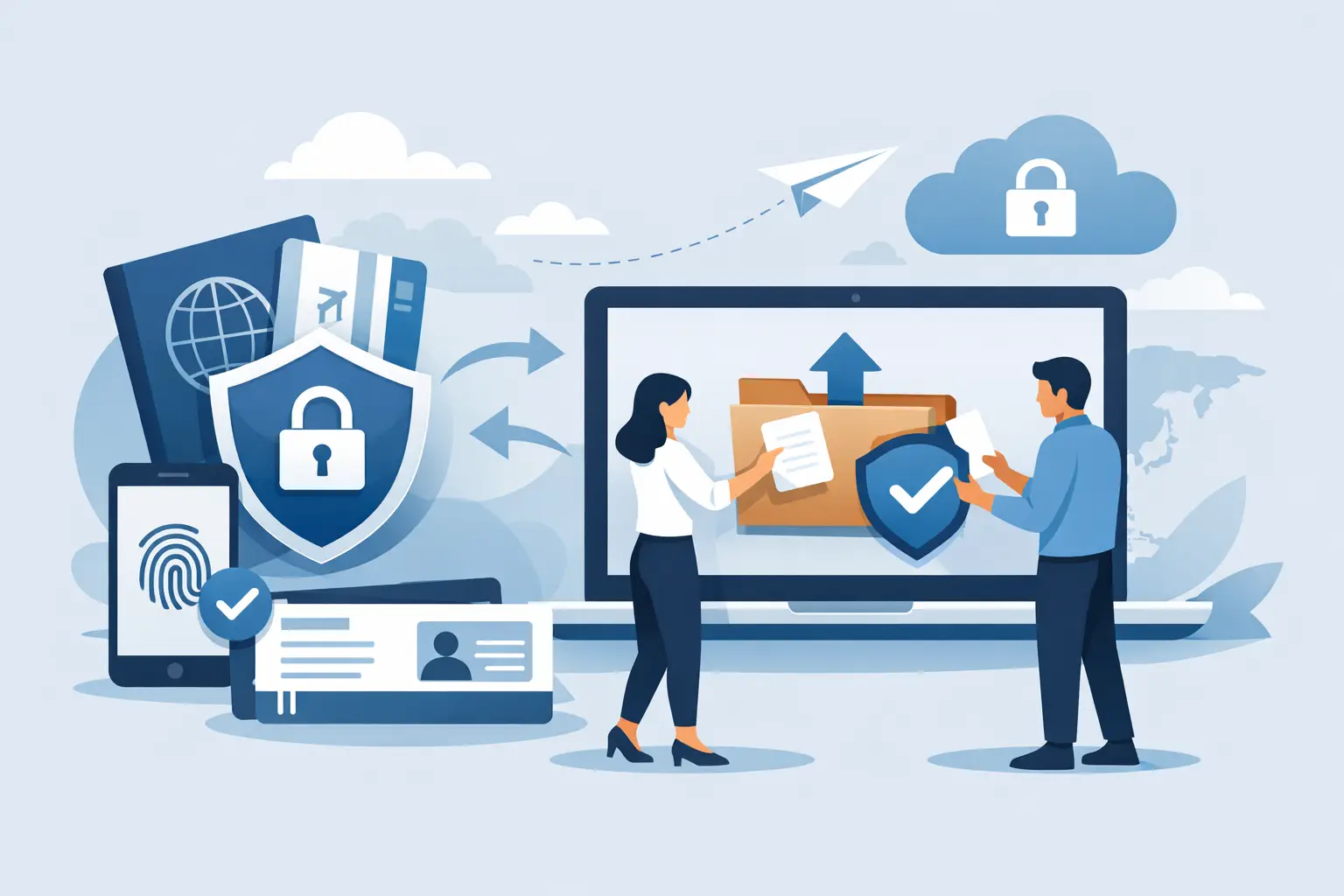
Visa applications require sensitive information. Your passport copy may include your full name, date of birth, passport number, nationality, and travel history. Supporting records can include financial documents, residence permits, flight details, hotel bookings, photographs, and family information. Once these files leave your device, you should know who receives them, why they need them, and how they will be used.
Security and speed work together when the process is managed properly. A clear submission method reduces the chance of files being misplaced, accessed by the wrong person, or rejected because a document is incomplete. It also helps your visa consultant review the application before it reaches the relevant immigration authority.
The exact requirements depend on your nationality, destination, visa category, and travel purpose. A tourist visa application and a family visit application may need different evidence, while an urgent application may have stricter timing requirements. That is why travelers should avoid relying on generic checklists copied from social media or old applications.
Start with a destination-specific document checklist
Before uploading or sharing anything, ask for a checklist that matches your trip. A useful checklist should identify each required document, the preferred file format, any validity rules, and the deadline for submission. It should also clarify whether originals are needed later or whether clear digital copies are enough for the initial review.
For many visitor visa applications, the essentials begin with a passport that has sufficient validity, a recent passport-style photograph, proof of travel plans, and evidence of residence where applicable. Some destinations may request hotel confirmation, return travel details, bank statements, a sponsor letter, or proof of relationship for family applications. Do not assume that a document accepted for a previous trip will be accepted again.
Check the small details before you submit. Your passport scan should show all four corners of the information page. Your name, passport number, and dates should be readable at normal screen size. If a document has more than one page, submit every requested page in the correct order. A cropped image or a file with glare may look acceptable on a phone but fail review later.
Use a secure travel document submission process from the start
The safest approach is to use the official submission method provided by your visa service or authorized representative. This may be a protected upload portal, a verified business email address, or a managed document collection channel. Confirm the contact details independently before sending files, especially if you received a request through a new phone number, social media message, or unfamiliar email address.
Avoid sending passport copies into public group chats or forwarding them repeatedly among friends and family. These methods make it difficult to control who can access the files or whether the latest version is being reviewed. If someone is helping you apply, they should still use the approved channel and share only what is necessary.
When submitting by email, use a clear subject line with your full name and application reference if one has been assigned. Attach files rather than pasting sensitive images into the body of an email. Keep a record of what you sent, when you sent it, and who confirmed receipt. This simple habit can save time if a document needs to be located or resubmitted.
A managed provider such as Trawego can give travelers a defined document path, an expert review before processing, and status updates rather than leaving them to guess whether their files were received. Human support is particularly valuable when requirements are unfamiliar or the travel date is close.
Prepare files that are safe and easy to review
Security does not mean making documents difficult for the reviewer to open. Password-protecting a file can be helpful when the approved submission method supports it, but only share the password through a separate verified channel. Do not use your passport number, date of birth, or phone number as the password. Those details may already appear in the document.
Use common file formats unless you are instructed otherwise. PDF files are often useful for multi-page documents, while high-quality JPG or PNG files can work well for passport and photo submissions. Name files clearly, such as `Passport_FirstName_LastName` or `BankStatement_March2026`. Clear names help prevent documents from being attached to the wrong traveler when a family is applying together.
Before submission, remove unrelated documents from the folder you plan to upload. Your visa representative does not need access to your entire photo library, old medical records, or personal account information unless those items are specifically required. Share the minimum information needed to support the application.
Be cautious with editing. You may resize a scan, combine required pages into one PDF, or improve legibility when appropriate. You should never alter dates, balances, stamps, personal details, or travel records. Even a seemingly minor change can lead to refusal, delays, or future travel complications.
Verify the person and the request
Document fraud often begins with a rushed message: “Send your passport now to secure approval.” Genuine visa processing can be time-sensitive, but urgency should not remove basic verification. Confirm that the service provider is legitimate, that the request matches your visa type, and that the submission channel is one you recognize.
Watch for warning signs. These include requests to send documents to a personal account, inconsistent company names, unclear pricing, promises of guaranteed approvals, or pressure to pay before you receive any application details. No agency can guarantee a visa decision because final approval belongs to the relevant authority.
A trustworthy process should explain what happens after submission. You should know whether your documents will be checked for completeness, whether additional information may be requested, the expected processing range, and how you will receive updates. Transparency is a security feature because it reduces confusion and makes suspicious requests easier to spot.
Keep control after you submit
Submitting your documents is not the final step. Monitor your email, messages, or designated tracking channel for requests from the processing team. Respond promptly, but verify any unexpected request before sharing more information. If a new person contacts you and asks for documents you already provided, ask them to reference your application number and confirm the request through the original contact channel.
Keep your original passport secure unless it must be submitted for visa stamping or another official requirement. If an original is needed, confirm the handover method, obtain a receipt, and understand when it will be returned. Never hand over an original passport without clear accountability.
For families or group travelers, designate one responsible contact for communication while allowing each adult to review their own application details. This prevents conflicting versions of documents and helps ensure spelling, dates, and passport numbers are correct before processing begins.
What to do if you make a mistake
Mistakes happen, especially when travel is urgent. If you uploaded the wrong file, sent an outdated passport copy, or noticed an error in your personal details, notify your visa support team immediately. State exactly what was wrong and provide the corrected document through the approved channel. Sending multiple versions without an explanation can create more confusion.
If you believe your documents were sent to an incorrect recipient, act quickly. Contact the recipient and request deletion, notify the intended provider, change passwords if account information was exposed, and monitor for suspicious activity. The right next step depends on what was shared, but fast action limits risk.
A careful submission may take a few extra minutes, yet it can prevent days of back-and-forth and protect information that cannot simply be replaced. Before you press send, pause, verify the channel, check every file, and make sure your travel plans are supported by documents that are accurate, readable, and handled with care.